On-Page SEO for Core Web Vitals: The Optimization Marketers Can't Do From the CMS

Every on-page SEO checklist tells you to optimize your title tags, headings, and images. Almost none of them tell you that the highest-impact on-page factor on many sites isn’t editable from the CMS at all — it lives in the code. Core Web Vitals are on-page ranking signals, and they’re the part of on-page SEO that a marketer, working entirely from the content editor, simply can’t reach. This is that missing chapter.
Why Core Web Vitals Are On-Page SEO
On-page SEO means signals on the page itself that you control. Core Web Vitals fit that definition exactly — they’re measured per page, they’re a confirmed Google ranking factor, and they’re determined by what your page does when it loads. The only thing that makes them feel separate from “normal” on-page SEO is where you edit them: not in the title field, but in the templates, the scripts, and the hosting.
That distinction is why so many sites have immaculate title tags and failing Core Web Vitals. The broader on-page SEO guide covers the content-editor half; this is the engineering half.
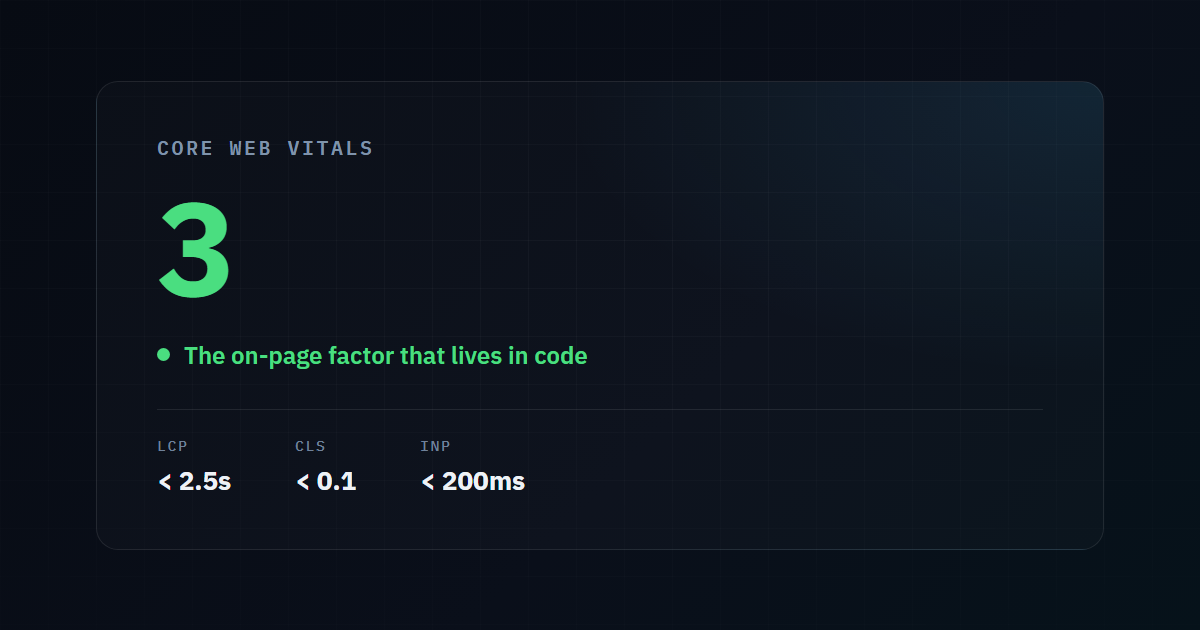
The Three Vitals, and the On-Page Work Behind Each
| Vital | Measures | The on-page (code) work |
|---|---|---|
| LCP | When the largest element finishes loading | Optimize the hero image, remove render-blocking CSS/JS, improve server response |
| CLS | How much the layout shifts while loading | Reserve space for images/ads, avoid injecting content above existing content |
| INP | How fast the page responds to interaction | Cut JavaScript execution, break up long main-thread tasks |
Notice what none of these are: writing more content or adding keywords. Every fix is structural.
LCP — usually an image or a server problem
The largest element is typically a hero image or a big heading. LCP goes bad when that element waits — behind render-blocking stylesheets, behind a slow server response, or behind an unoptimized multi-megabyte image. The fixes are compressing and correctly sizing the hero, removing anything blocking the render path, and improving TTFB so the whole load starts sooner.
CLS — the layout jumping around
Cumulative Layout Shift is the annoyance of a page rearranging itself as it loads — you go to tap a button and an image pushes it down. It comes from elements without reserved space (images with no dimensions, late-loading ads) and from injecting content above what’s already visible. The fix is disciplined: reserve space for everything that loads late, and never push existing content down.
INP — the one most sites fail
Interaction to Next Paint is the hardest to pass and the most invisible, because a page can look completely loaded while being unable to respond to a click. The cause is almost always JavaScript hogging the main thread — plugin scripts, heavy frameworks, third-party embeds all executing at once. This is pure engineering: reducing how much JavaScript runs, splitting long tasks, and deferring what isn’t needed immediately. We documented an extreme version of this in a 25-second blocking-time case study.
Why This Is the On-Page Work Marketers Can’t Do
Here’s the honest boundary. A marketer working in the CMS can genuinely help:
- Compress and resize images before uploading.
- Remove plugins and page-builder bloat.
- Choose a lighter theme.
But the biggest levers are behind the code:
- Reducing JavaScript execution for INP means changing how the site is built, not which plugin is active.
- Fixing server response time for TTFB is a hosting and configuration problem.
- Restructuring the asset pipeline — what loads when, what’s deferred, what’s inlined — is engineering work.
This is exactly the line where on-page SEO stops being a content task and becomes an architecture one. It’s also why a site can do everything “right” in the marketing sense and still lose rankings to a faster competitor.
The Structural Fix
For sites where Core Web Vitals are a persistent problem, the durable answer is often architectural rather than a pile of patches. A static-first build ships little or no JavaScript by default, which removes the main cause of INP failure at the root instead of fighting it plugin by plugin. When there’s no framework runtime to block the main thread, the page is fast because of how it’s built — not because of a caching plugin bolted on afterward.
Measure Your Vitals Now
The fastest way to see which of the three is dragging your on-page SEO down is to measure them against real data. Our free tool reports LCP, CLS, INP, and TTFB with the actual Google thresholds — so you know exactly which one to fix, not just that “the page is slow.”
Check your Core Web Vitals free →
Need the Code-Level On-Page Work Done?
This is the on-page SEO most agencies can’t deliver because it’s engineering, not marketing. It’s exactly what we do — diagnosing and fixing the LCP, CLS, and INP problems that cap rankings no matter how good the content is.
Published by the Runkexpert Engineering Team. Last updated 2026-07-26.