How to Build a Fast Bilingual (EN/FR) Website Without Doubling Your Load Time

Running a website in two languages doubles almost everything that can go wrong with performance and technical SEO. Two sets of fonts, two sets of meta tags, two sets of Core Web Vitals to keep in the green, and a whole category of bug — hreflang — that monolingual sites never have to think about. This matters especially in markets like Canada, where offering both English and French isn’t a nice-to-have; it’s often a legal and commercial baseline.
The good news: a bilingual site that’s slow is almost never slow because it’s bilingual. It’s slow because of the specific way the second language got added. Here’s how to add it without paying a speed tax.
The Single Biggest Mistake: Client-Side Translation
The fastest way to wreck a bilingual site’s Core Web Vitals is to render one language on the server and swap to the other in the browser with JavaScript. It feels convenient — one HTML file, a translation library, done — but it’s a performance and SEO disaster on three fronts:
- It blocks interactivity. The translation library has to download, parse, and rewrite the DOM before the page is usable in the second language. That’s exactly the kind of main-thread work that destroys INP (Interaction to Next Paint).
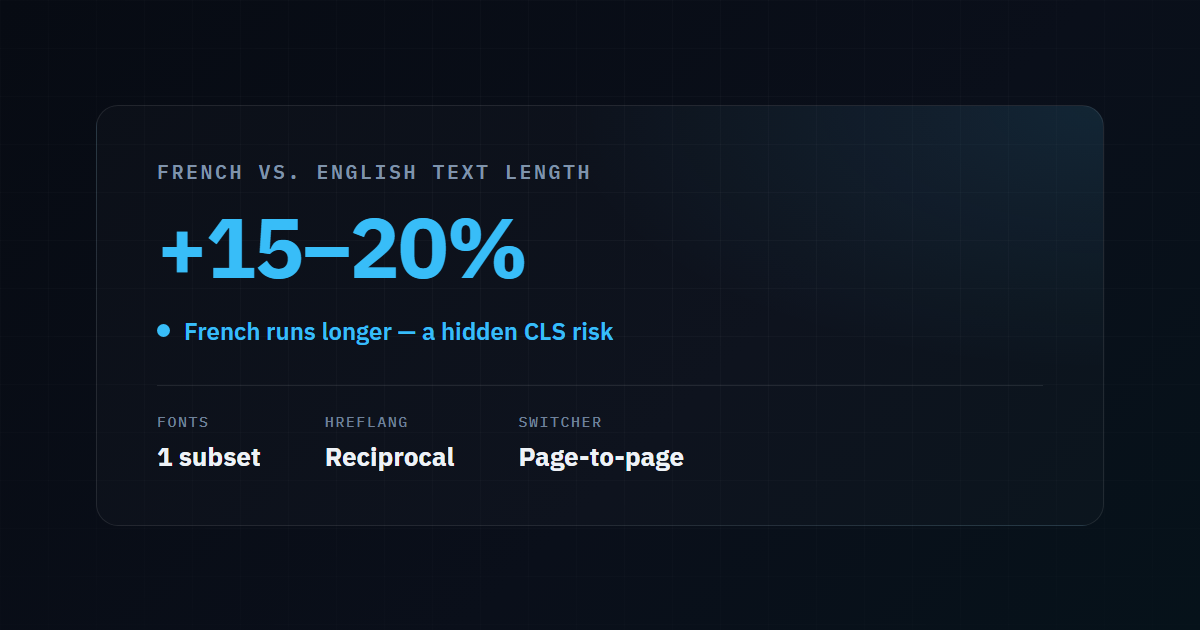
- It causes layout shift. Text length differs between languages — French runs roughly 15–20% longer than English on average. Swapping text after paint reflows the layout, spiking CLS.
- Google may never see the translation. If the French version only exists after a client-side swap, search engines often index the English source and ignore the French entirely.
The fix is structural: each language version must be its own real, statically rendered URL. English at /, French at /fr/. Same content, translated at build time, served as finished HTML. No runtime swapping, no library, no penalty.
Fonts: The Hidden Double-Load
Fonts are where bilingual sites quietly pay twice. English needs basic Latin glyphs. French needs those plus accented characters — é, è, ê, à, ç, œ. If you load a full font file for each language separately, or load the entire Unicode range “just in case,” you’re shipping far more font weight than either page needs.
| Approach | Cost |
|---|---|
| One full font, loaded everywhere | Wasteful — most glyphs never render |
| Separate font file per language | Double download if a user visits both |
| Subset font covering Latin + Latin-1 Supplement | One small file that serves both languages |
The right answer is a single subset that covers the accented Latin range both languages actually use, with font-display: swap so text is never invisible while the font loads. One file, both languages, no double-load, no CLS from a late font swap.
hreflang: Getting It Right Without Over-Engineering
hreflang is the tag that tells Google “this page has an equivalent in another language — serve the right one to the right user.” It’s also where bilingual sites generate the most technical SEO errors. The rules that actually matter:
- Every hreflang set must be reciprocal. If your English page points to the French page, the French page must point back. One-directional hreflang is ignored.
- Include a self-reference. The English page should list itself as the
enversion, not just point at French. - Set an
x-default. This is the fallback for users whose language you can’t match. Point it at whichever language serves the broadest audience — for an agency serving both France and North Africa, French is often the sensible default. - Don’t invent region variants you haven’t built. Adding
fr-CAwhen your only French content is written for France doesn’t help Canadian users — it just tells Google you have a Quebec version you don’t actually have. Language-levelfris correct until the content genuinely differs. (More on that in our guide to Quebec French vs France French SEO.)
The cleanest implementation generates hreflang from a single source of truth — the link between a page and its translation — rather than hand-maintaining tags in each file, which inevitably drift apart.
The Language Switcher Trap
A language switcher seems trivial, but a bad one undoes all the work above. Two failure modes:
- The switcher points to the homepage regardless of where you are. A user reading your French article on TTFB clicks “EN” and lands on the English homepage, not the English version of that article. Every switch should map to the equivalent page, using the same translation link that powers your hreflang.
- The switch triggers a full, uncached reload. If both language versions are static and pre-rendered, switching should be near-instant. If it kicks off a server round-trip and re-render, you’ve added latency to the single action bilingual users perform most.
A Bilingual Performance Checklist
Before you ship, both language versions should pass independently:
| Check | Both EN and FR must… |
|---|---|
| LCP | Render the largest element under 2.5s |
| CLS | Stay under 0.1 — watch for text-length reflow |
| INP | Respond to input under 200ms — no translation library |
| hreflang | Be reciprocal, self-referencing, with an x-default |
| Fonts | Share one subset covering accented Latin |
| Switcher | Map to the equivalent page, not the homepage |
If your French pages score measurably worse than your English ones, that’s a signal the second language was added as a layer rather than built in — and it’s fixable.
Check Your Own Site
You can see how your current setup performs on real Core Web Vitals — per language — by running each version through our free tool. Test the English URL and the French URL separately; if they diverge, you’ve found where the bilingual tax is being paid.
Run a free performance check on your site →
Need It Built Right the First Time?
We build bilingual sites where both languages are first-class, statically rendered, and equally fast — hreflang generated from a single source, one shared font subset, and a switcher that actually maps page-to-page. It’s the exact architecture behind this site.
Published by the Runkexpert Engineering Team. Last updated 2026-07-26.